Agency owners know the pain of managing dozens of WordPress sites. Each client has different plugins, themes, and configurations. Wally makes this manageable.
One Interface for All Sites
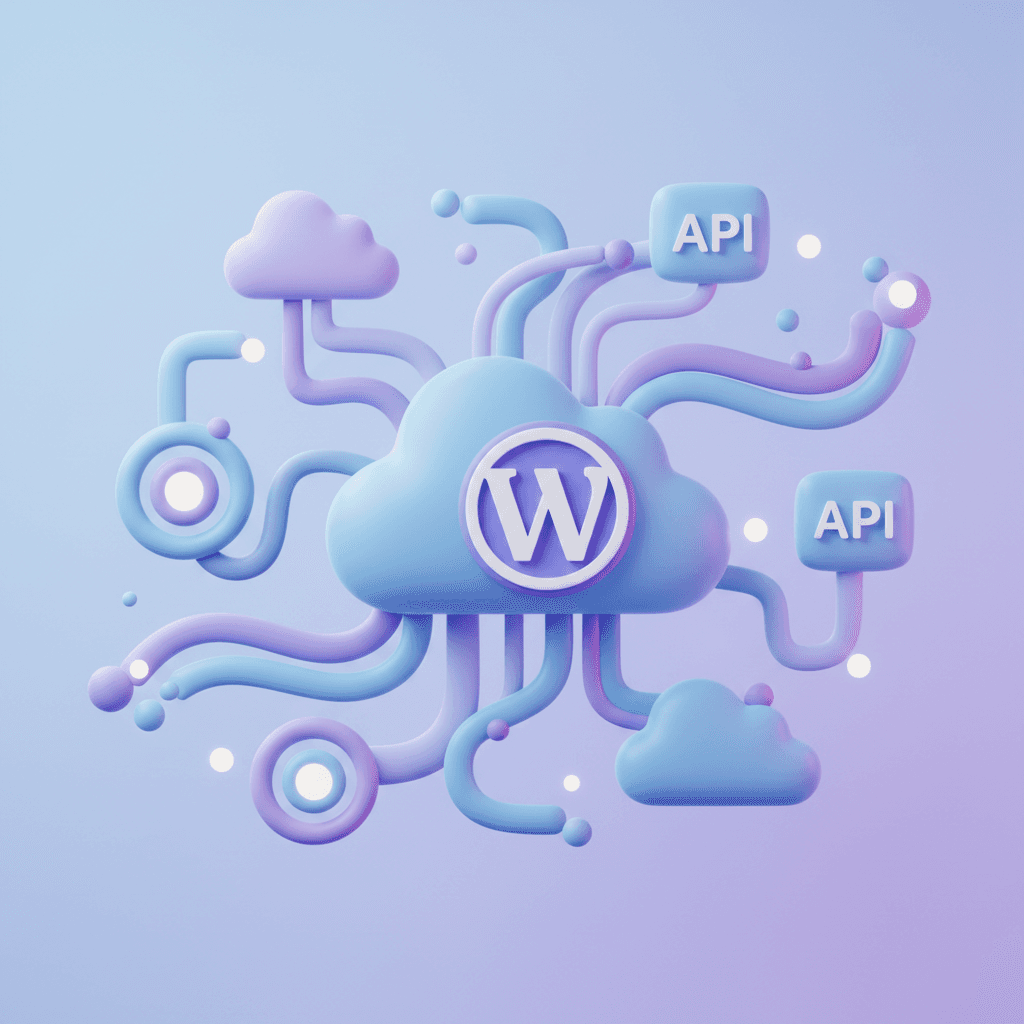
Instead of logging into each WordPress admin separately, Wally gives you a unified interface. Just tell it which site you're working on and what you need done.
Batch Operations Across Sites
Need to update a plugin across all client sites? Or change a setting on every installation? Wally handles batch operations that would otherwise take hours of manual work.
Client-Safe Audit Logs
Every action Wally takes is logged with timestamps and details. Share audit reports with clients to demonstrate exactly what maintenance was performed.