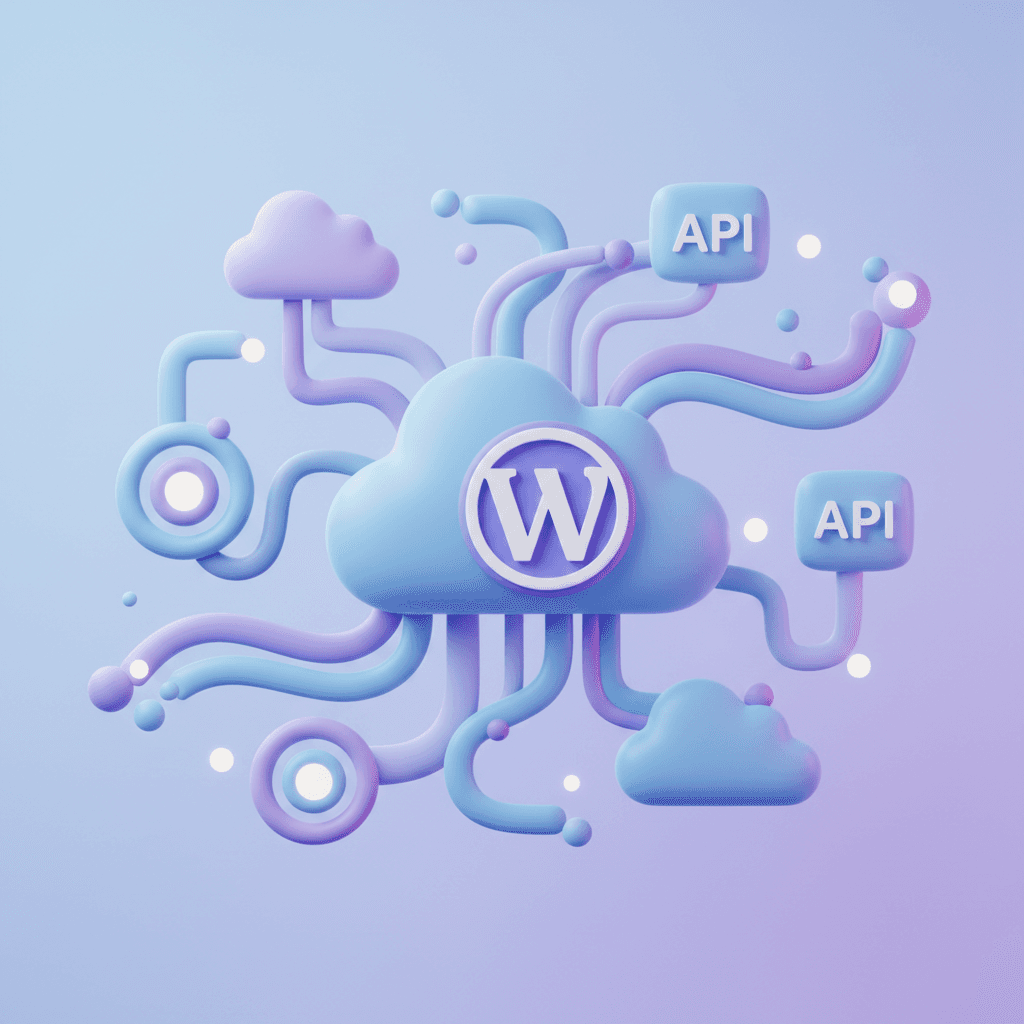
WordPress's REST API has matured into one of the most powerful tools in the ecosystem. Whether you're building a headless frontend or extending WordPress with custom functionality, the REST API is your foundation.
Why the REST API Matters in 2026
The REST API enables WordPress to function as a headless CMS, powering React, Next.js, and mobile applications. Tools like Wally use it internally to execute site management tasks through natural language.
Authentication Methods
WordPress supports several authentication methods for the REST API: application passwords (built-in since 5.6), JWT tokens via plugins, and OAuth 2.0 for third-party integrations.
Building Custom Endpoints
Custom endpoints let you extend the REST API with your own business logic. Register them with register_rest_route() in your plugin or theme, define permission callbacks, and return structured JSON responses.